


GPS control
At the moment of check-in the employee can be matched against the permitted location. Records made outside that location are identified, which helps close the gaps in supervision.
MoreBranches, employees, attendance, late arrivals and reports are managed from a single panel. Management follows the daily picture and the key indicators from one place.
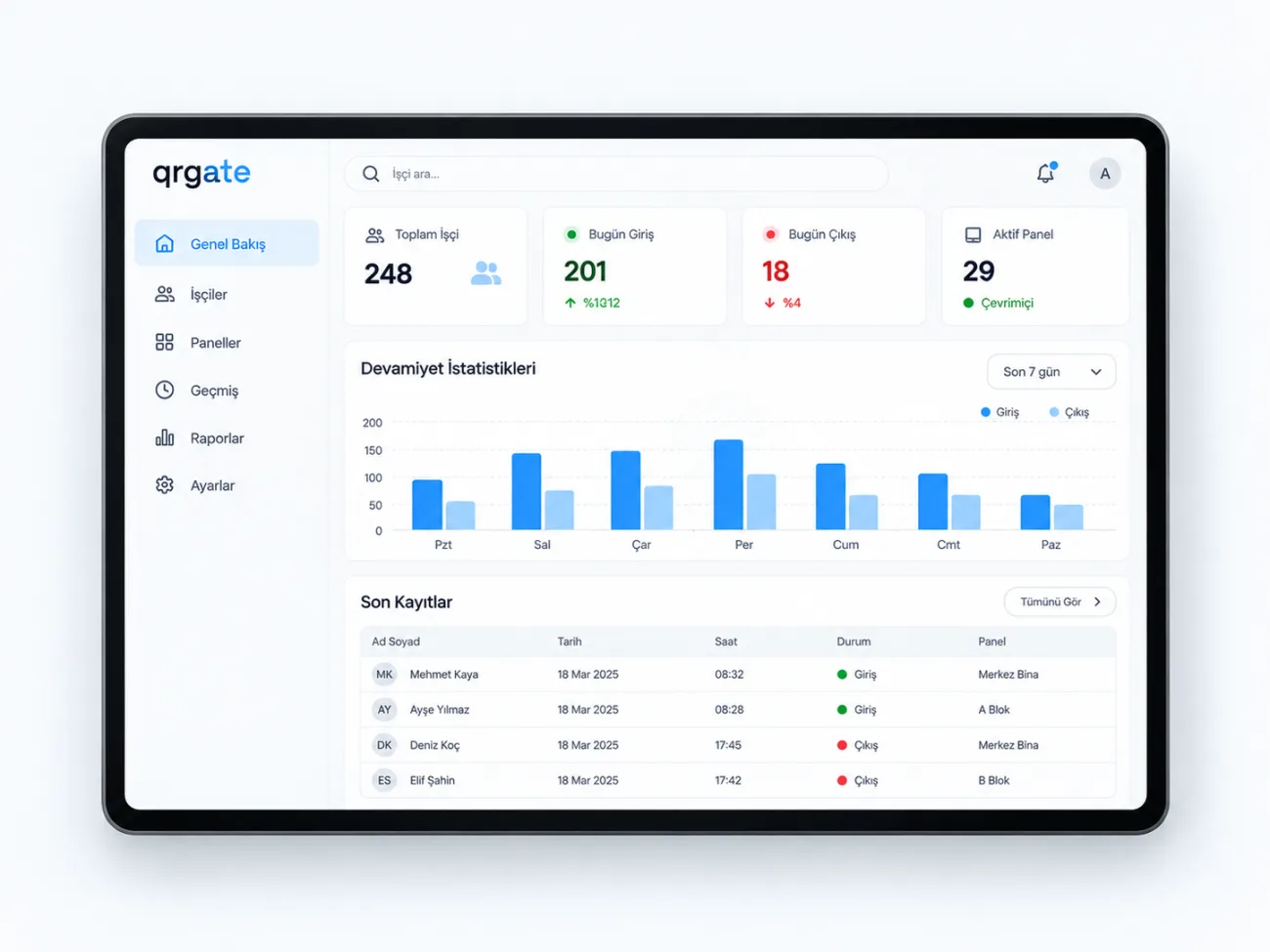
All branches on a single screen
Who is at work and who is late, right now
Weekly and monthly comparison
Every manager sees their own area
When every branch reports in its own spreadsheet, putting the overall picture together takes days. In QRGate all branches, departments and employees are connected to one panel.
The panel shows both today's situation and the figures for a period: who is at work, which branch has the most late arrivals, which department keeps attendance stable.
Access levels mean each manager sees their own area of responsibility, while central management follows the full picture.
Branches, departments and roles are defined in the panel
Each employee is linked to a branch and a work schedule
Data from every entry point lands in the same database
Daily, weekly and monthly figures are compared
At the moment of check-in the employee can be matched against the permitted location. Records made outside that location are identified, which helps close the gaps in supervision.
MoreA photo of the employee can be captured during check-in as an extra visual confirmation. It makes each record easier to verify and lets questionable cases be reviewed afterwards.
MoreUse of an employee account from a different or unsuitable device can be detected. This helps prevent situations where one employee checks in with a colleague's account.
More


