


Digital control
Follow employee check-ins, check-outs and attendance data digitally. Late arrivals and daily activity become easy to see, and management gets oversight that is transparent and simple to follow.
MoreUse of an employee account from a different or unsuitable device can be detected. This helps prevent situations where one employee checks in with a colleague's account.
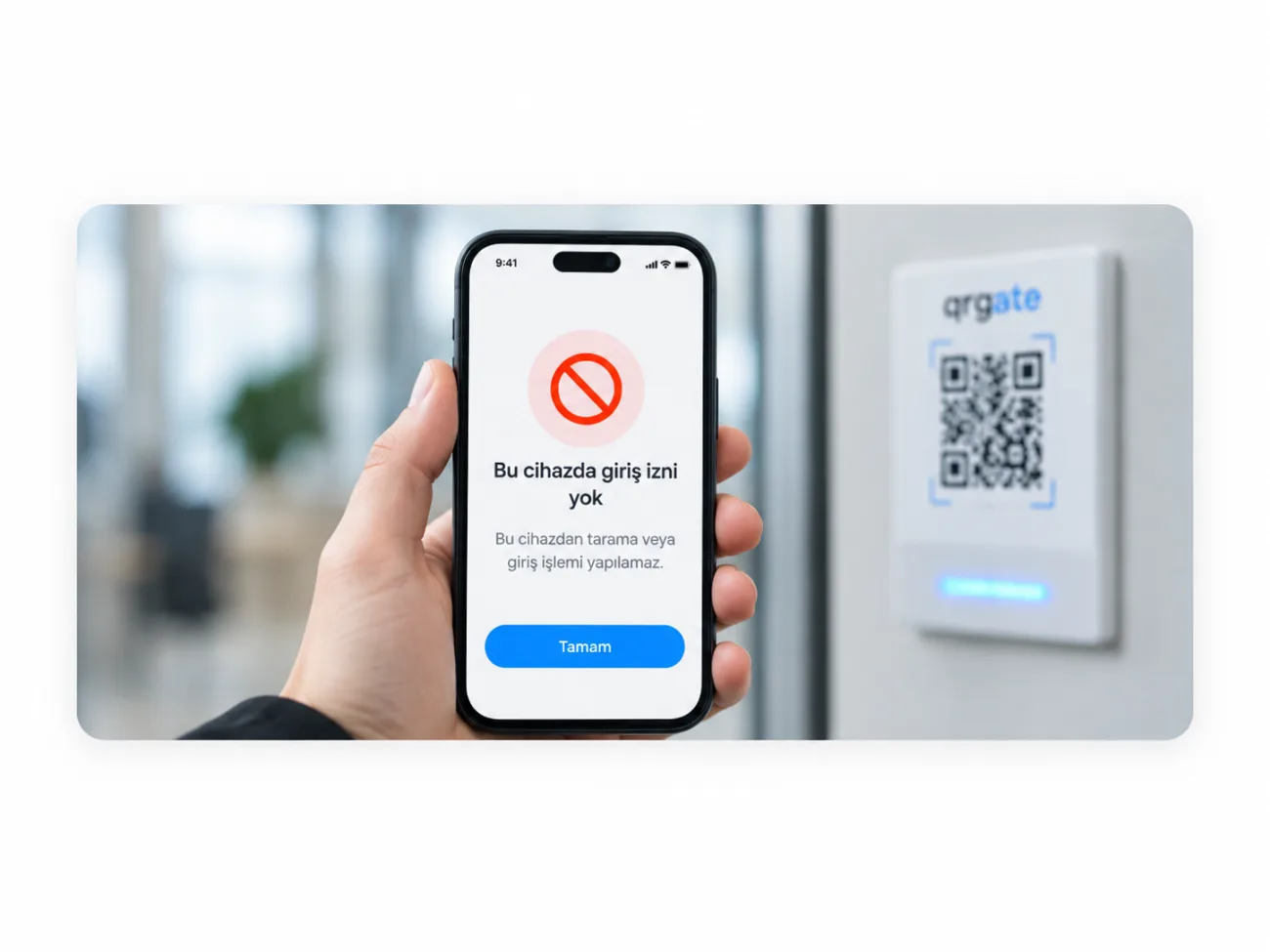
The account works with the employee's own device
An attempt from another device is detected
Multiple check-ins from one phone are prevented
Doubtful cases appear in the panel
The most common question about mobile check-ins is simple: can somebody check in for a colleague? QRGate takes into account which device an account is used from.
The account is linked to the employee's device; an attempt to sign in from an unsuitable device is detected and shown to management.
Attendance records become more reliable and cases where several employees check in from one phone disappear.
The employee signs in to the app only with their own account
The phone used at first sign-in is linked to the account
A check-in attempt from another phone is identified
The attempt is shown in the panel with date and device details
Follow employee check-ins, check-outs and attendance data digitally. Late arrivals and daily activity become easy to see, and management gets oversight that is transparent and simple to follow.
MoreQRGate does not ask for complex attendance infrastructure. QR codes are placed at your entry points, employees use the mobile app, and the system is ready to work within a short time.
MoreBranches, employees, attendance, late arrivals and reports are managed from a single panel. Management follows the daily picture and the key indicators from one place.
More


